


Streamline Your Customer Interactions. Boost Sales. Deliver Better Experiences.
Our CRM system brings everything your business needs into one clean, easy-to-use platform from logging in to managing leads, departments, users, integrations, and generating reports.
Schedule a DemoHow Our CRM System Works
A clear, step-by-step system that helps you manage leads, track sales, and streamline every customer interaction.
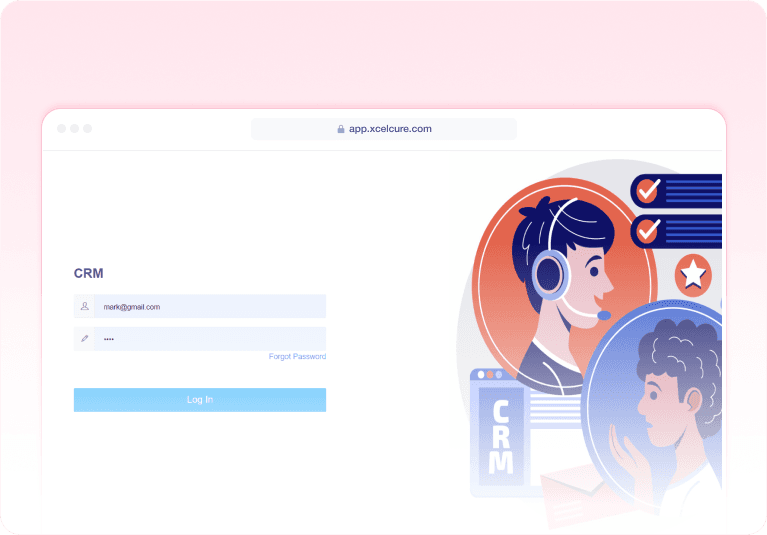
Login & Secure Access
Users can log in with their username and password to access the CRM dashboard. Simple, secure authentication ensures only authorised users can manage business data.
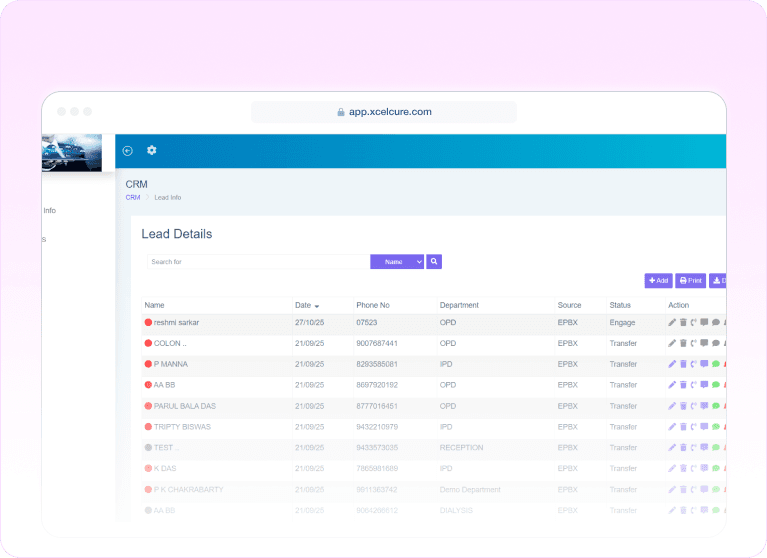
Landing Page – Lead Management Dashboard
Once logged in, users land on the Lead Details page, the heart of the CRM.
Here they can:
- Add new leads
- Edit or update lead information
- Delete leads
- Search leads by name, phone, email, or status
- Confirm a Lead — instantly push the lead into the Customer Info table
This dashboard gives a complete view of all customer enquiries in one place.
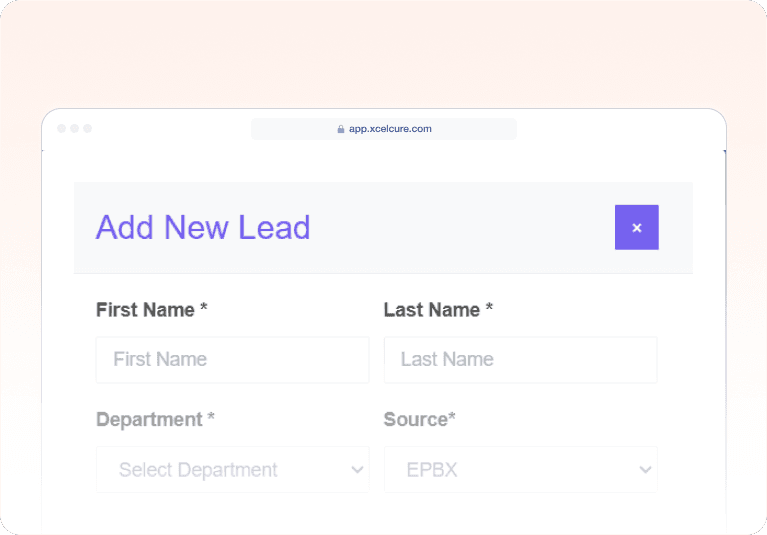
Add / Edit Lead Page
A dedicated form where users can:
- Enter customer details
- Update lead information
- Save or cancel data entries
Designed for quick input and easy management of customer data.
Settings Module
The Settings section contains all the essential configuration tools your business needs.
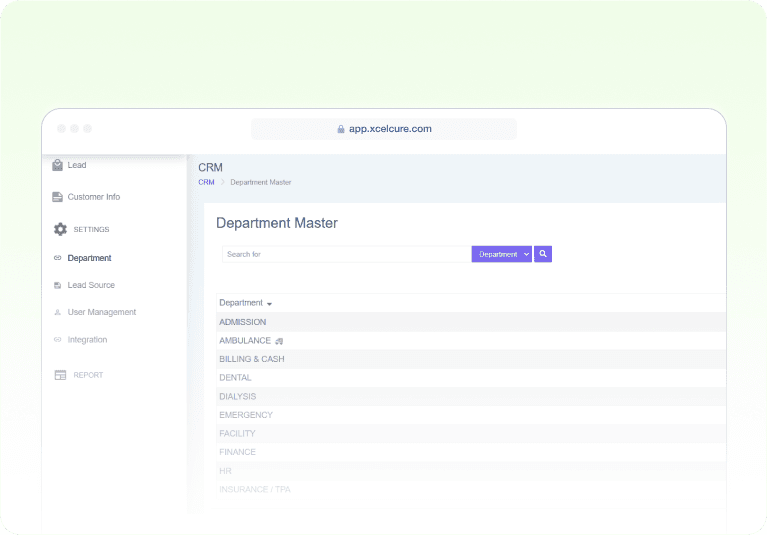
4.1 Department Management
Create, edit, or delete departments to organize your teams.Perfect for businesses with multiple units such as Sales, Support, Retail, etc.
Settings Module
The Settings section contains all the essential configuration tools your business needs.
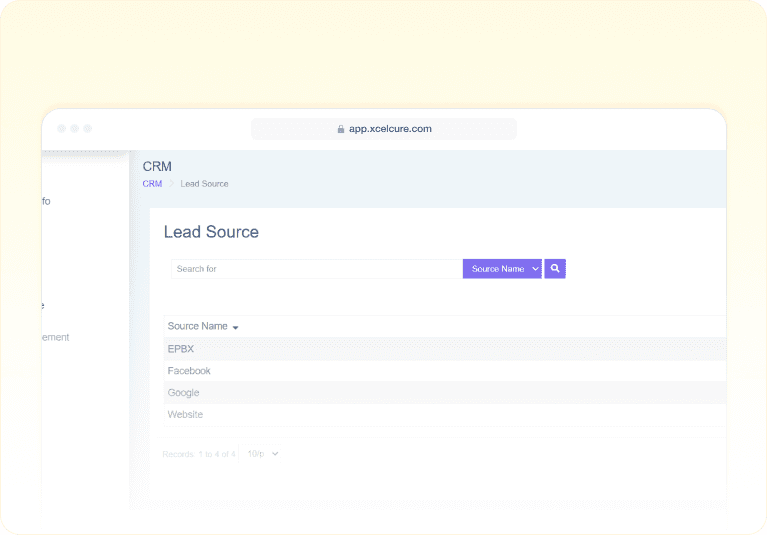
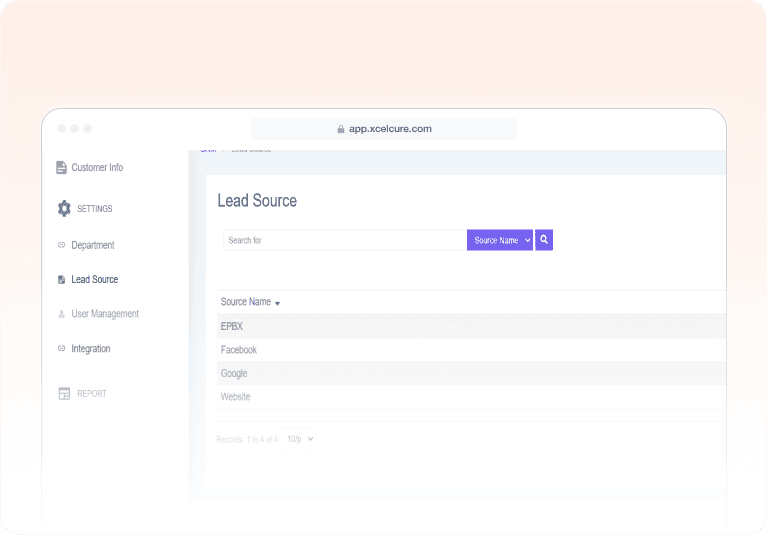
4.2 Lead Source Management
Add or edit the sources from where leads come in.
Examples:
- Website
- Referral
- Walk-in
This helps in tracking which marketing channels perform best.
Settings Module
The Settings section contains all the essential configuration tools your business needs.
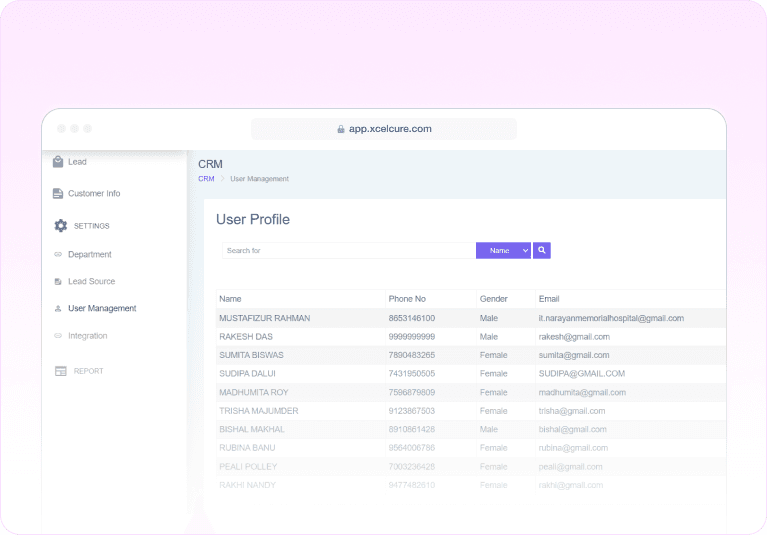
4.3 User Management
Add new CRM users, edit details, assign roles, and remove users if needed.
Supported roles include:
- Admin
- Sales
- Manager
Role-based access ensures smoother operations.
Settings Module
The Settings section contains all the essential configuration tools your business needs.
4.4 Integrations
Connect your CRM with third-party tools like:
- WhatsApp API
- SMS Gateways
- Email Providers
- Other marketing or communication platforms
You can add, edit, or delete integrations anytime.
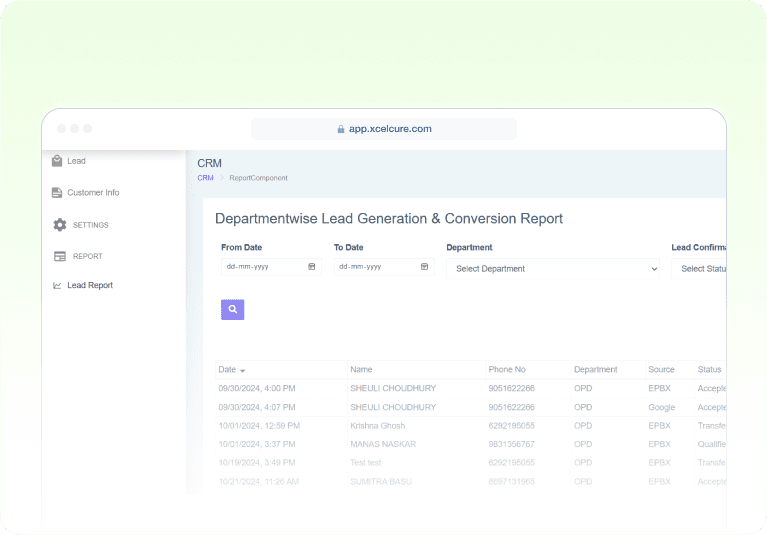
Reports & Analytics
The CRM includes a detailed reporting dashboard where users can view:
- Lead summary reports
- Daily, weekly, and monthly lead reports
- Converted vs unconverted leads
- Department-wise performance
- User-wise productivity
These insights help in tracking business growth and decision-making.
Experience Healthcare Intelligent Management
Start your journey with xcelcuré™ and upgrade your hospital, clinic, or laboratory to a smarter, unified digital ecosystem.
Request a Demo

Transform your hospital into a more efficient, human-centric, and competitive ecosystem with xcelcuré™. Our intelligent HMS unifies patient data, streamlines processes, and boosts operational and financial performance. Flexible hosting, easy migration, faster TAT, and secure encrypted data make it a future-proof solution.
Contact Us
admin@xcelcure.com
icare@xcelcure.com
+91 9836149149
Module-115, SDF Building, GP Block, Sector V, Bidhannagar, Kolkata, West Bengal - 700091