

Smart, Seamless & Efficient Dining Experience
Our Restaurant Management System is designed to simplify operations for both customers and staff. From table bookings to takeaway orders, menu browsing, and smart search everything is streamlined through an easy-to-use mobile application.
Schedule a Demo
How Our Restaurant Management System Works
A complete end-to-end system that streamlines table bookings, takeaway orders, and menu browsing with a smooth, user-friendly experience.
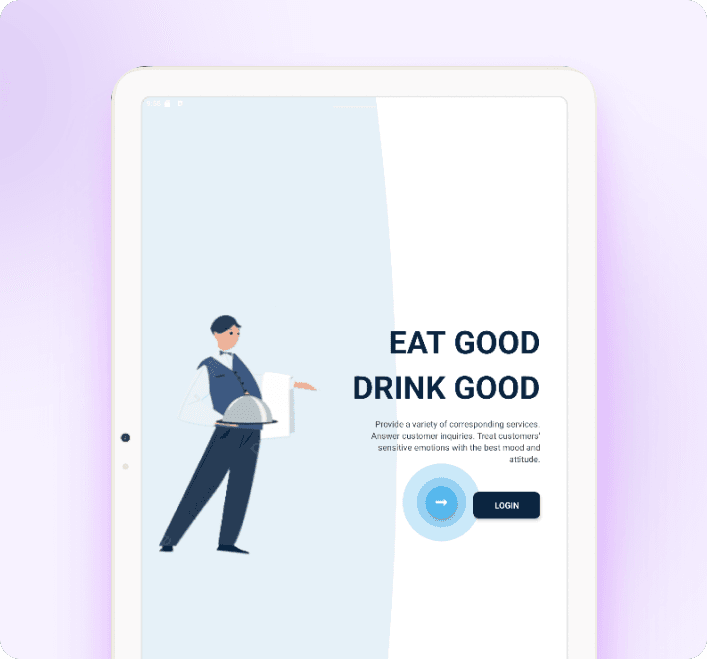
Quick App Launch
Users open the restaurant’s mobile app and land on a clean splash screen showing your logo while the system loads in the background.
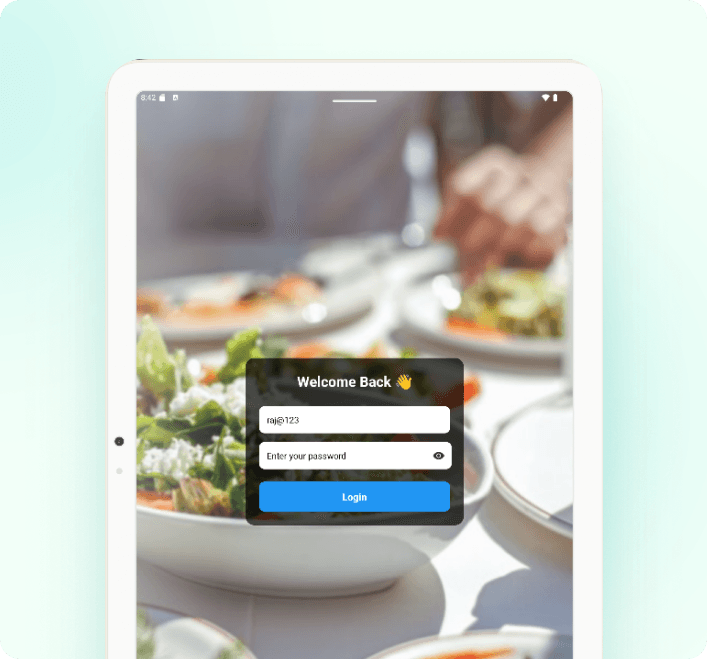
Secure Login
Customers log in using:
- Mobile Number or Email
- Password
- Tap Login to enter the application
Once verified, they are redirected to the main dashboard.
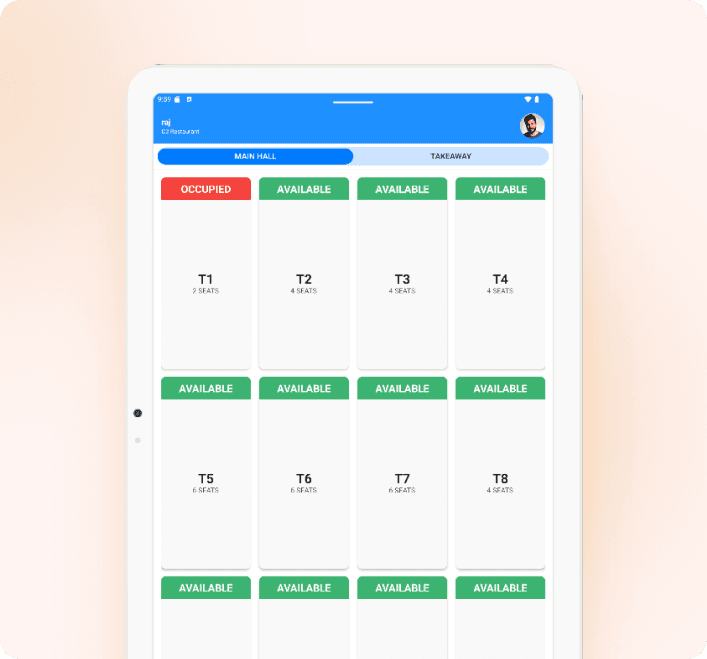
Home Screen Options
After logging in, users are greeted with a simple dashboard where they can choose between two key services designed to make their dining experience smooth and convenient.

Book a Table
Type the name of food (e.g., “Fajjia”).

Takeaway
Tap the microphone icon and speak the item name. The app will automatically detect and display matching items.
Main Hall – Access to Menu
If the user selects Book a Table or enters the Main Hall, they will get access to the Food Menu.
The menu displays:
- Categories (Starters, Main Course, Drinks, etc.)
- Food items with descriptions and prices
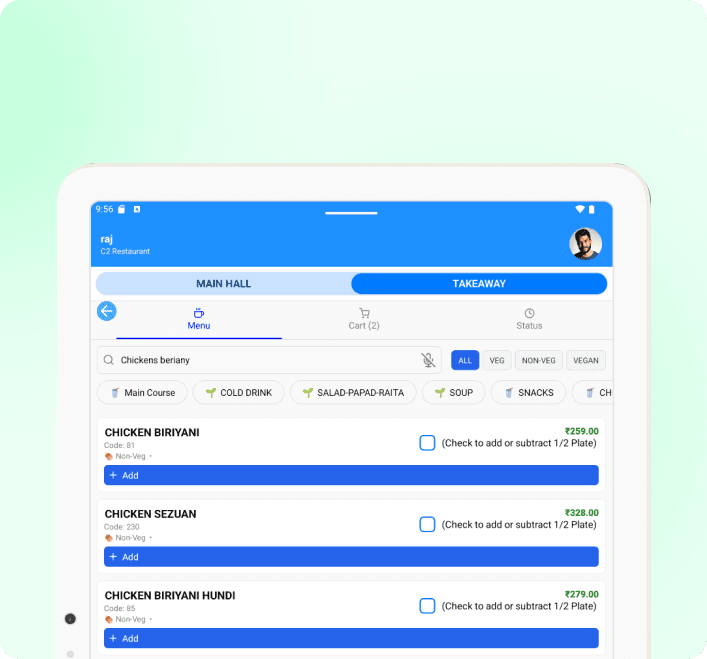
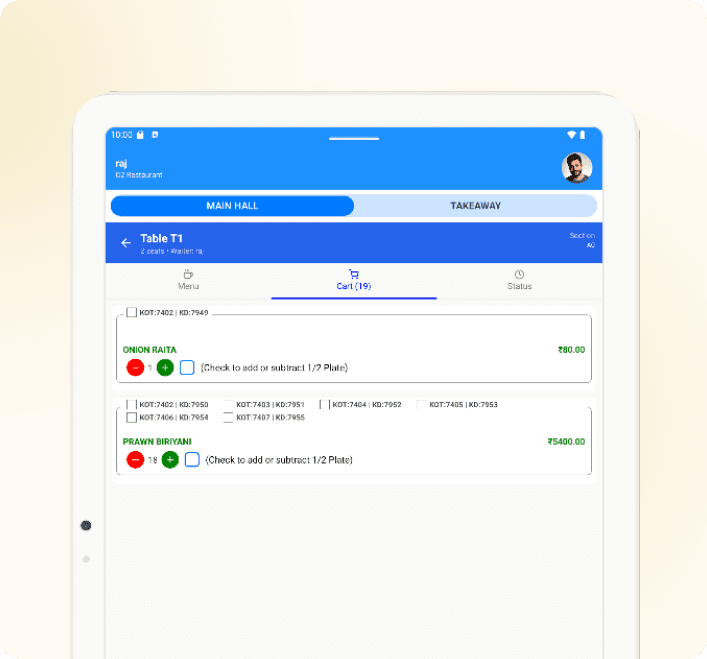
Adding Items from the Menu
Once inside the Main Hall or after selecting Book Table, customers can browse the full restaurant menu, which includes:
- Food Categories
- Item Descriptions
- Portion Options
- Prices
The layout is clean and intuitive, allowing customers to explore dishes easily.
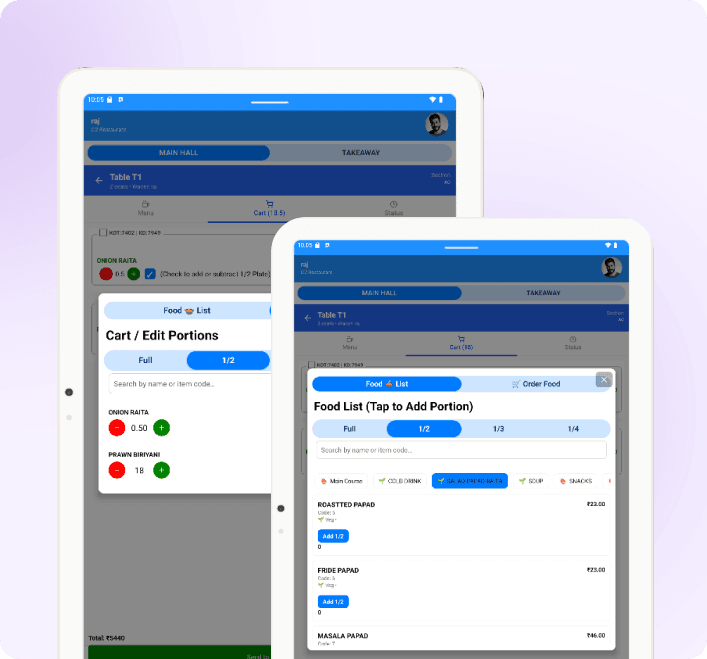
Add Items With Portion Selection
Before confirming the item, the user can select the portion size:
- Full
- Half
- Quarter
After selecting the portion, the item is added to the cart.
Easy Takeaway Ordering
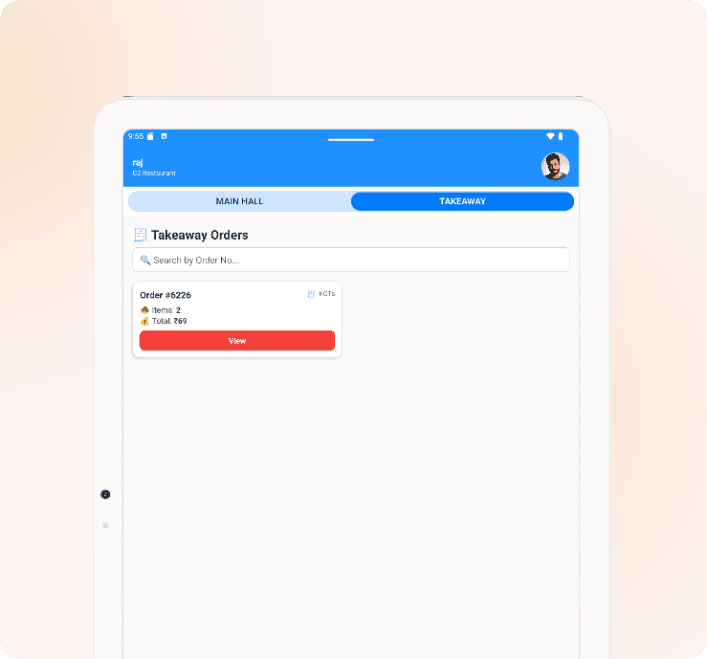
The takeaway system works the same as dine-in:
- Browse the menu
- Choose portion sizes
- Add items to order
- Place the final takeaway request
Everything happens within a few simple taps.
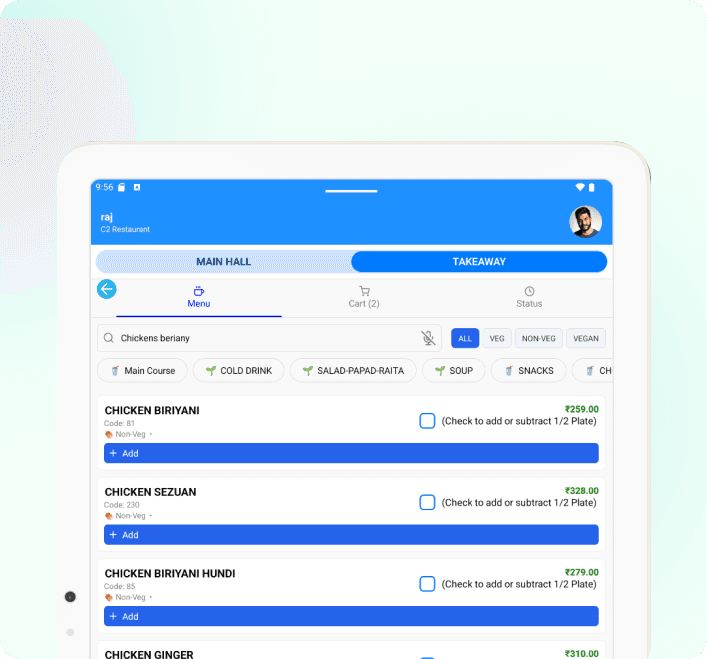
Smart Item Search – Voice & Text
On the Item Menu Page, users can easily search for any food item using two convenient methods, ensuring they quickly find exactly what they’re looking for.

Text Search
Type the name of food (e.g., “Fajjia”).

Audio Search
Tap the microphone icon and speak the item name. The app will automatically detect and display matching items.
Experience Healthcare Intelligent Management
Start your journey with xcelcuré™ and upgrade your hospital, clinic, or laboratory to a smarter, unified digital ecosystem.
Request a Demo

Transform your hospital into a more efficient, human-centric, and competitive ecosystem with xcelcuré™. Our intelligent HMS unifies patient data, streamlines processes, and boosts operational and financial performance. Flexible hosting, easy migration, faster TAT, and secure encrypted data make it a future-proof solution.
Contact Us
admin@xcelcure.com
icare@xcelcure.com
+91 9836149149
Module-115, SDF Building, GP Block, Sector V, Bidhannagar, Kolkata, West Bengal - 700091